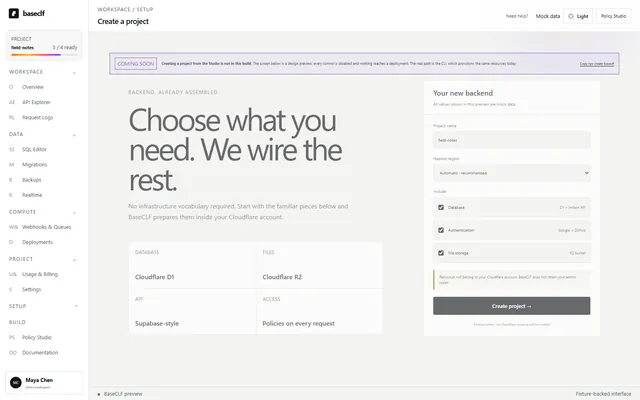
Choose what you need
Database, login, and file storage are plain choices—not infrastructure chores.
Backend, already assembled
Auth, database, storage, and instant APIs. Set up in minutes, with real row-level security for D1.
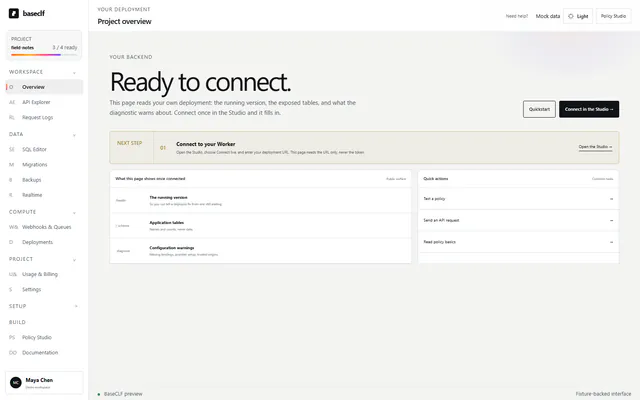
Supabase simplicity.
Cloudflare ownership.
Access rules on every request.
The operational suite
Logs, releases, and recovery stay approachable when the product grows beyond its first database and API.
Every request with its policy trace: what was asked, which rule answered, and what it cost, without reading infrastructure logs.
Preview Request Logs ↗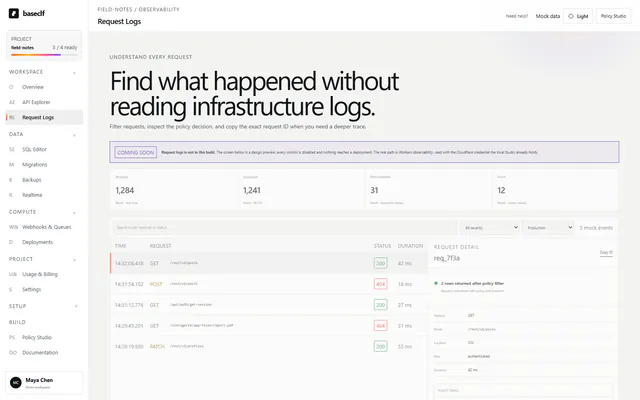
Versions, active traffic, and rollback boundaries stay together on one understandable release timeline.
Preview Deployments ↗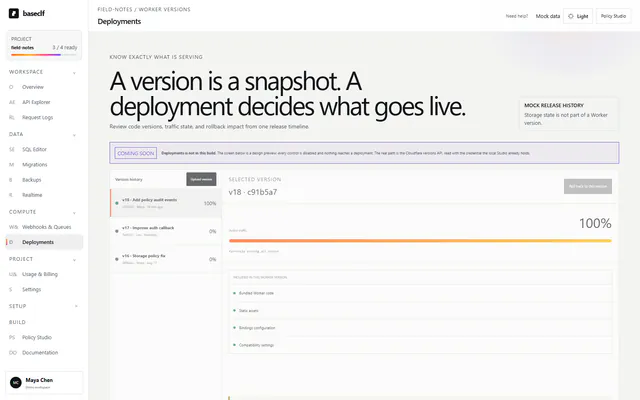
Restore points, imports, and exports make recovery explicit before any destructive action begins.
Preview Backups ↗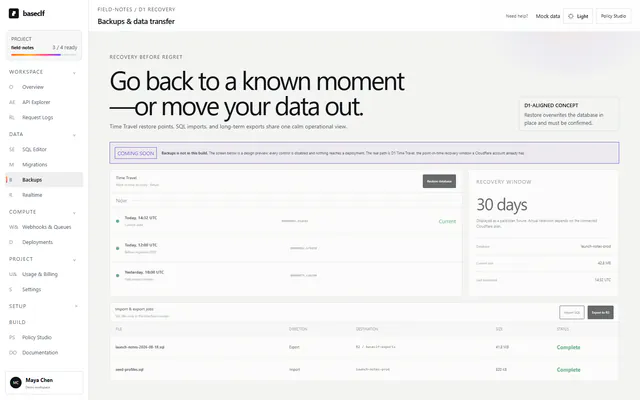
01 / Quickstart
No infrastructure vocabulary required. Follow the next action in Studio while BaseCLF assembles everything inside your Cloudflare account.
Database, login, and file storage are plain choices—not infrastructure chores.
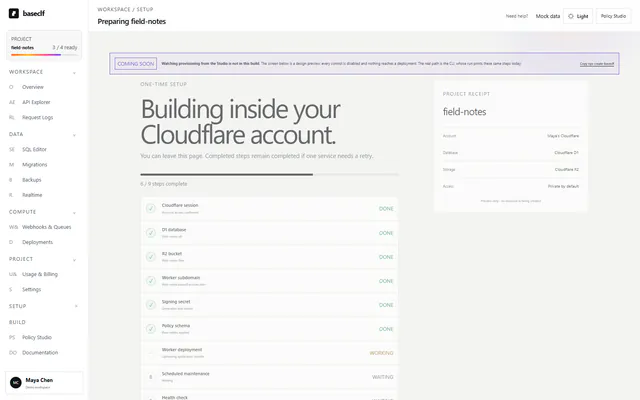
Every Cloudflare resource gets a readable status and a receipt you can keep.
Copy the familiar client snippet, test the API, and continue building your app.
02 / Product
Start with the task in front of you. BaseCLF reveals the Cloudflare detail only when it helps—not before.
Choose an action, inspect the exact request, see the protected response, then copy the client code.
Open API Explorer ↗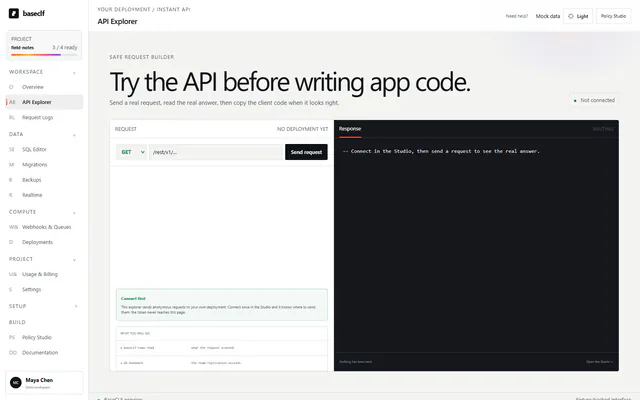
Request, policy decision, timing, and trace stay together in one readable view.
Preview Request Logs ↗CLI for repeatable workflows • Studio for guided work • Code remains the source of truth
03 / The moat
Write each rule once. BaseCLF applies it to every request, so users only receive the rows they are allowed to see.
No policy means no access.A forgotten rule cannot expose a table.
Clients cannot widen access.Your application filter is always combined with the policy.
Expensive rules are surfaced.Missing indexes are reported where you fix them.
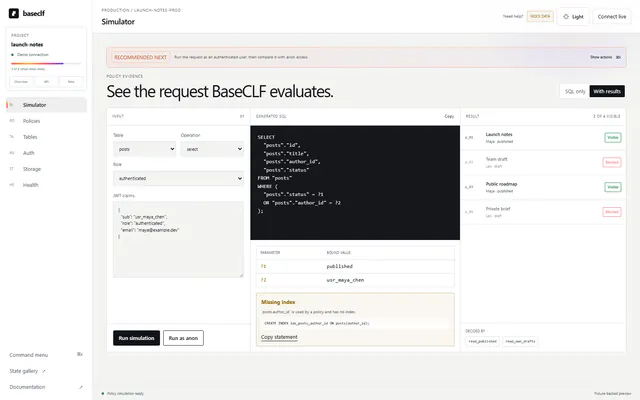
Interactive policy preview
Choose a person and BaseCLF immediately shows which mock rows their policy allows—before the rule reaches production.
04 / Ownership
BaseCLF runs inside your Cloudflare account. Your data, resources, and operational path remain visible to you.
05 / Compatibility
Keep the query style you know. The client is baseclf-js, there is no anonymous key, and no token simply means the anon role.
import { createClient } from "baseclf-js"

const client = createClient(
  "https://field-notes.baseclf.workers.dev"
)

const { data } = await client
  .from("posts")
.select("*")Package + URLImport baseclf-js and point it at your Worker. No anon key exists.
Query style.from().select(), the filters, inserts, updates, and deletes.
Cloudflare ownershipD1, R2, and Worker resources remain in your account.
06 / Honest limits
BaseCLF is explicit about the boundary, so the safe path is obvious to every person on the team.
Every user request is checked before rows leave the database.
Recommended for product accessDirect account-level commands bypass the policy engine by design.
Use only for trusted operationsOpen source. Your account. Your data.
Start with one command. Keep control of every layer.